Full comment
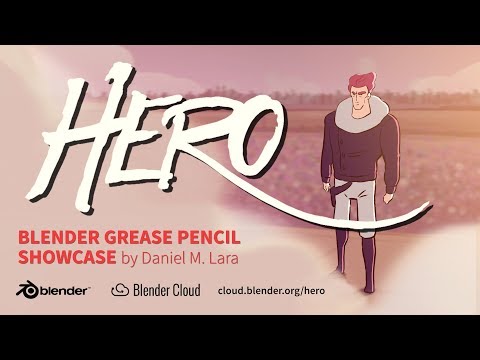
> What is the grease pencil? The grease pencil is Blender's 2D drawing system. Initially, it's purpose was to allow artists to sketch scenes out onscreen, in much the same way that CGI artists a few decades ago used literal grease pencils [1] to draw on their glass computer monitors. Nowadays, the grease pencil is a full 2D art system, allowing for hand-drawn 2D art to coexist with 3D assets or tracked with camera footage. The Blender Foundation made a short film called "Hero" [2] to show it off. [1] link [2] this video > How do I select all (UV) verticies? On the bottom edge of the UV editor window is a menu bar. From the left, the menus are editor type (shown as an icon), "View", "Select", "Image", and "UVs". Farther to the right in that bar is the widget that lets you set whether you are selecting verticies, edges, faces, or islands. In the "select" menu is "(De)select All", and a label indicating that the keyboard shortcut is "A". (This shortcut is universal to all of Blender's editors (except the text editor, where it is Ctrl+A). If you have anything at all selected, then "(De)select All" will deselect everything. If you have nothing selected, it will select everything. > How do I select multiple via box? In Blender, this is called "border select". In the same "select" menu I described above, it's the bottom option (the one nearest your cursor when you open the menu). It also has a universal shortcut, indicated in the menu: "B". > How do I do numeric input? There are two