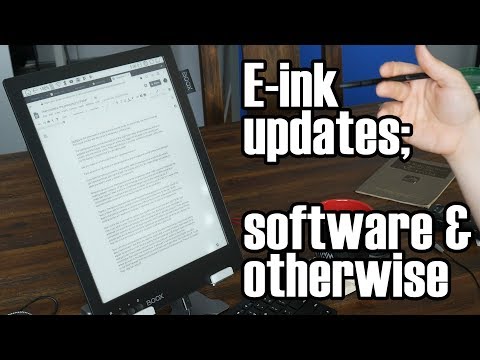
A follow-up review of using e-ink devices, such as Onyx Boox tablets, for productivity and as a second monitor. It covers software tips and tweaks and long-term impressions after months of use.
Why Hacker News points people here: Cited in e-ink display threads as a long-term review of using e-ink as a monitor.
“6 months later, tips / tweaks / long term review”
Long-term review of e-ink as second monitor.
Full comment
Technology Connections (amazing Youtube channel btw!) has a few videos on using an Onyx Boox Max as a 2nd monitor: link (Intro) link (2nd channel longer look, mini review) this video (6 months later, tips / tweaks / long term review)
Cites itkallebooJan 2020
“writes his scripts using an eInk Android tablet”
Creator writes scripts on an e-ink tablet.
Full comment
The guy behind the Technology Connections YouTube channel writes his scripts using an eInk Android tablet this video
Cites itdspillettMay 2024
“the TechnologyConnections fellow did a couple of videos that cover it”
Videos covering e-ink as monitor.
Full comment
There are certainly some e-ink devices that are able to do this, the TechnologyConnections fellow did a couple of videos that cover it, amongst other things: link & this video Though he is using a Boox product and I'm wary of them over the GPL violation thing: as well as the general “they'd piss & moan and send the lawyers round if someone took their stuff and used it unlicensed” hypocrisy, the paranoid cynic in me thinks there is something they want to hide in their customisations (hooks for calling home or some such). Also, those clips are a few years old now so some of the problems he was having may have been ironed out in newer devices & software updates. Another option is running a VMC client on any tablet that isn't walled off so that you can't: there are a number of VNC servers that create a hidden virtual screen and mirror that so the connecting client because the extra screen.